 Apolline
LauncherMod+A
Apps and Steam games, open windows, sums, units and currency, emoji, files, a color picker, screen recording, timers and the web.
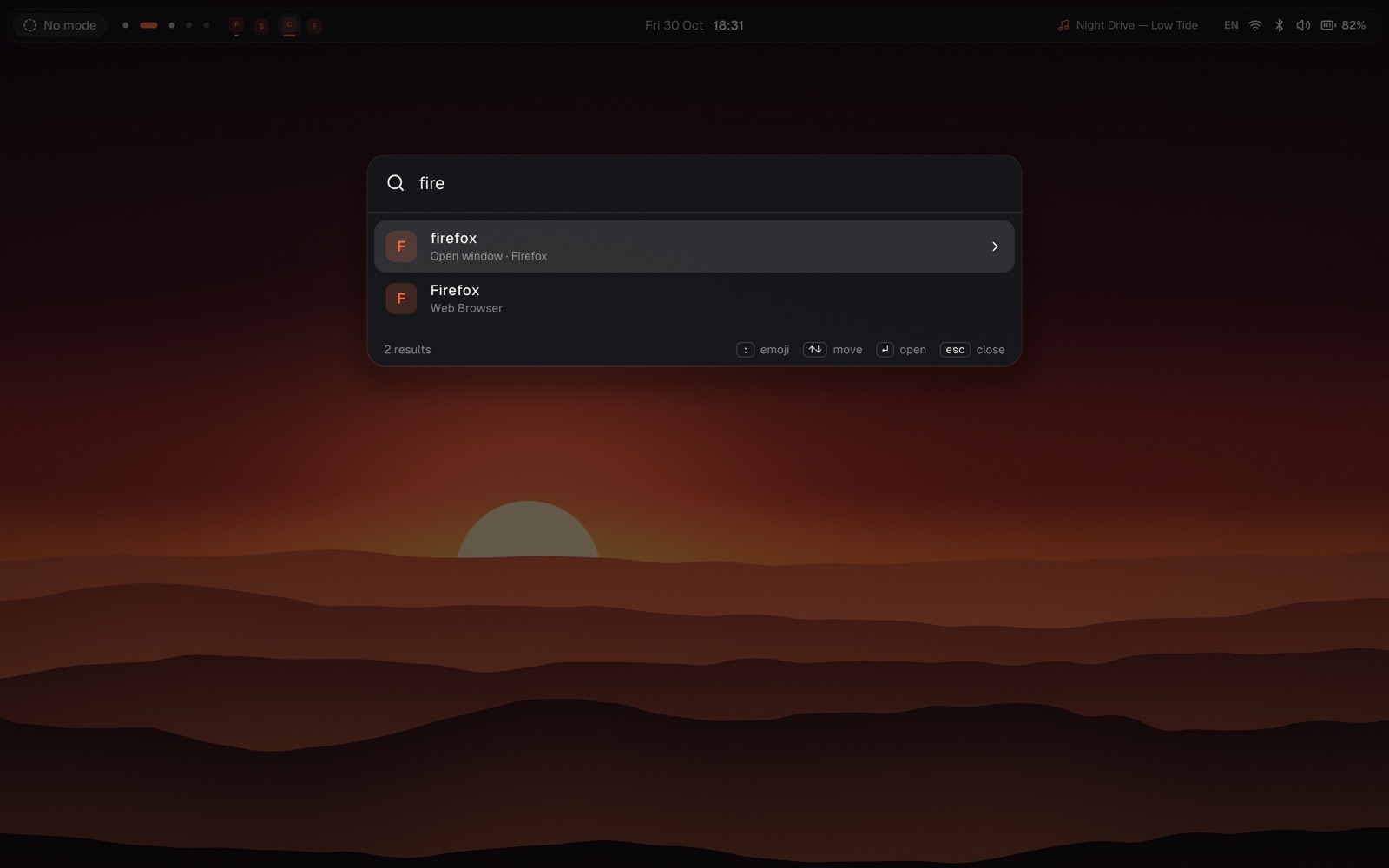
Bar, launcher, quick settings, notifications, clipboard, lock and login screens, live wallpapers and a settings window, in one Rust binary. Modes switch the whole desktop with a key, a game or the clock.
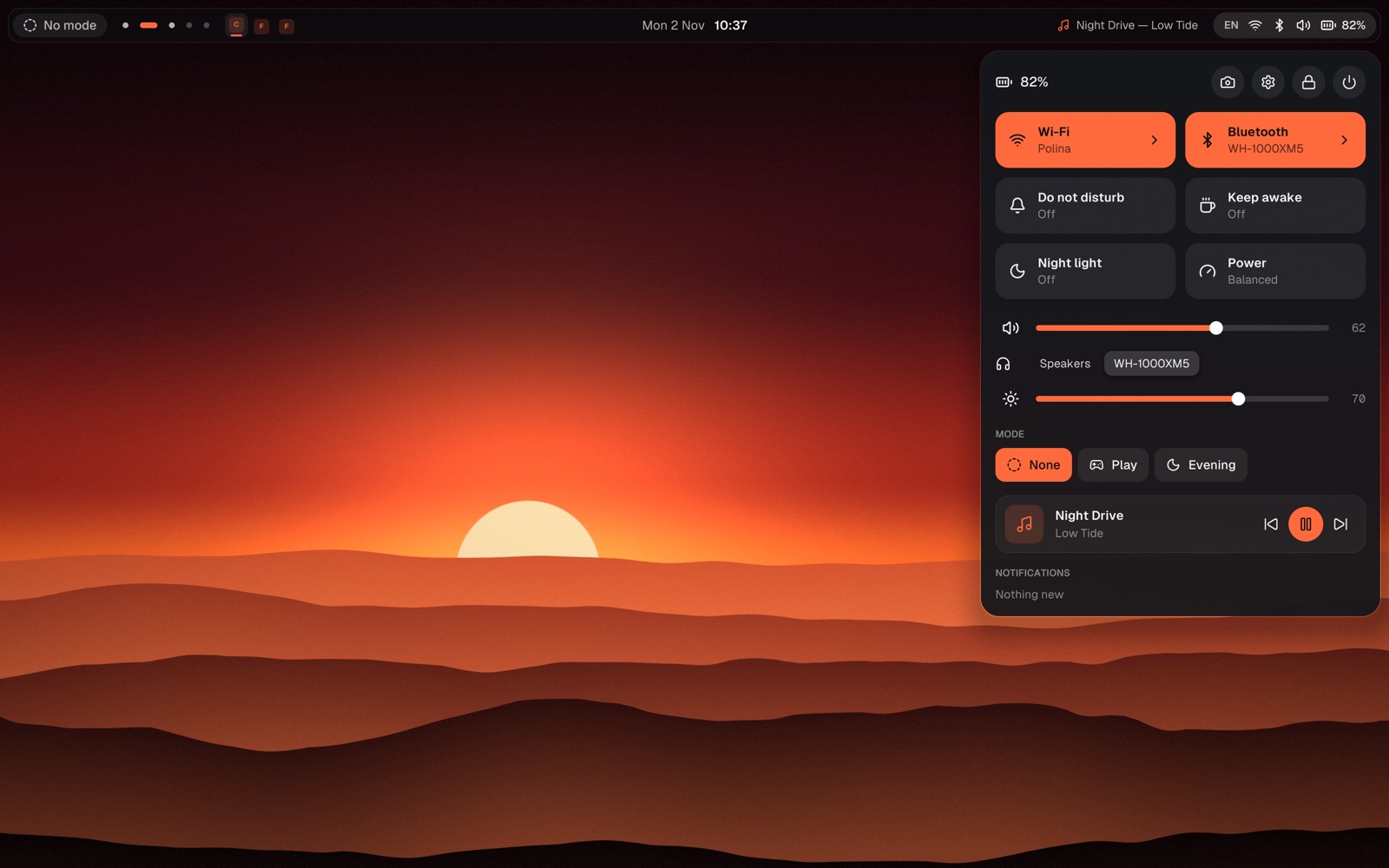
One thing instead of ten. It replaces
It draws the bar, the wallpaper and the clock, opens apps, shows notifications, locks the screen and greets you at login, and gives you a settings window for all of it.
Apps and Steam games, open windows, sums, units and currency, emoji, files, a color picker, screen recording, timers and the web.
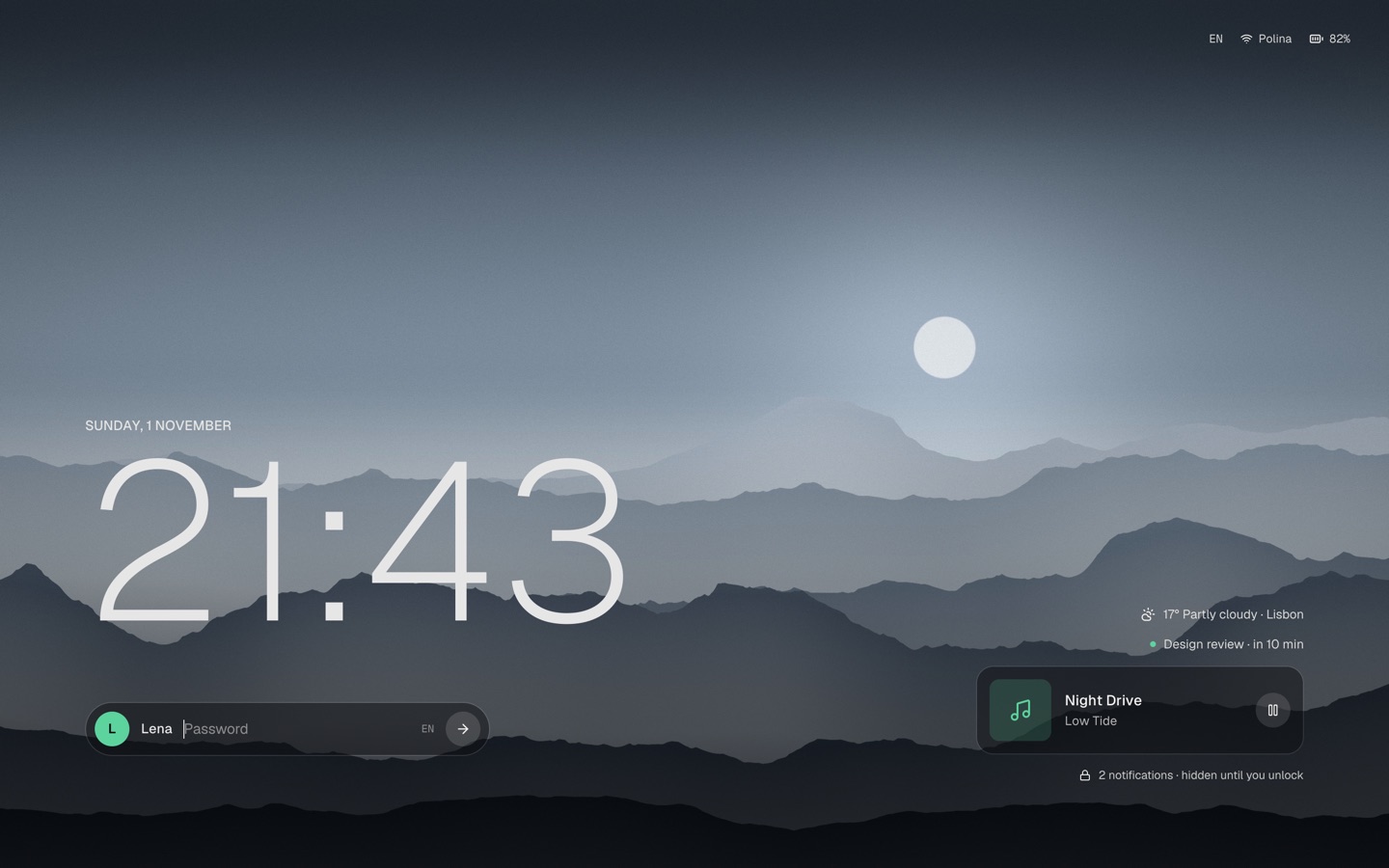
A lock screen with what's playing, the weather and the next meeting, and a greetd greeter in the same look.
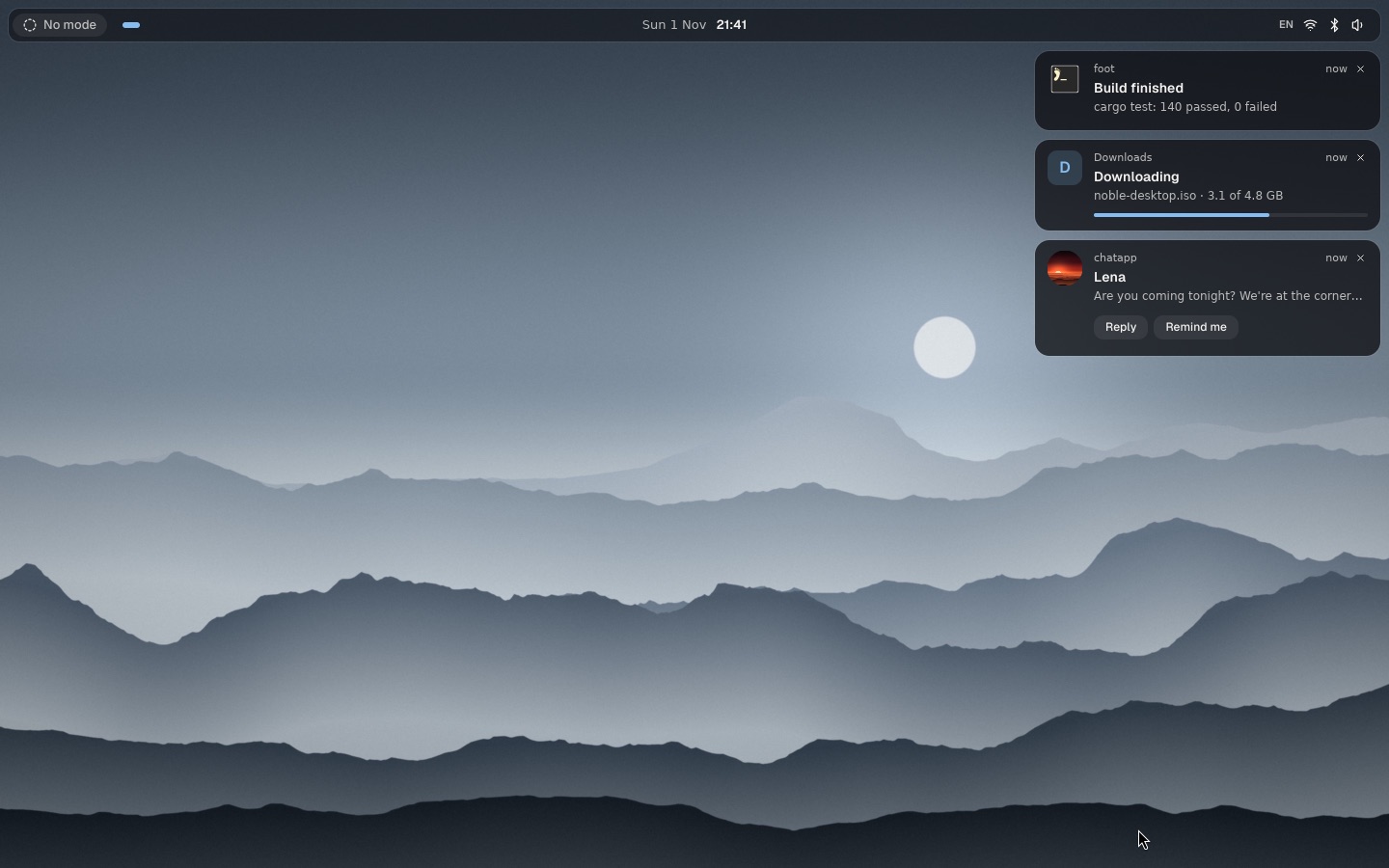
Replies, pictures, progress bars and the app's own buttons. Do not disturb follows your modes.
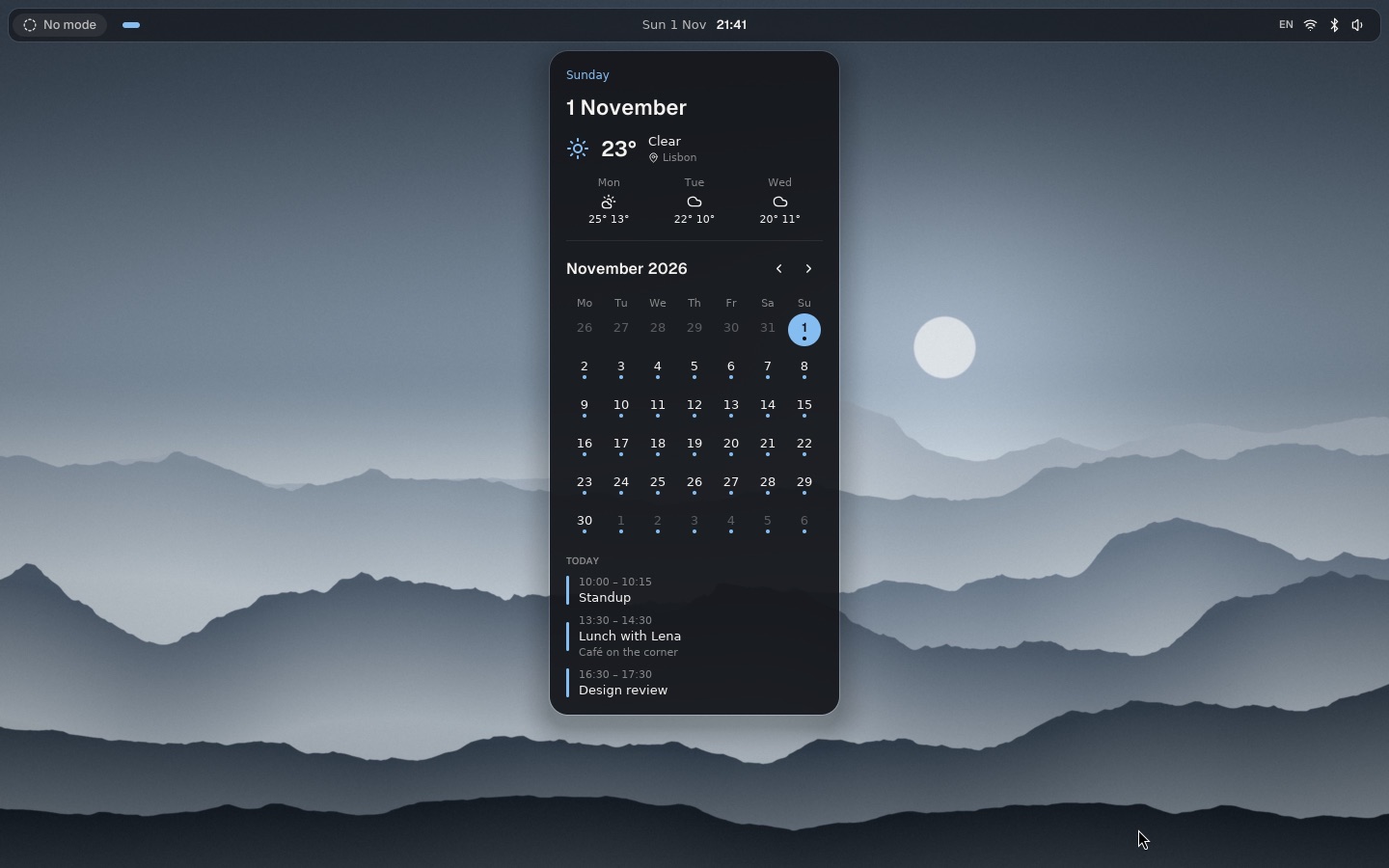
Under the clock: the month, the forecast and the day's events.
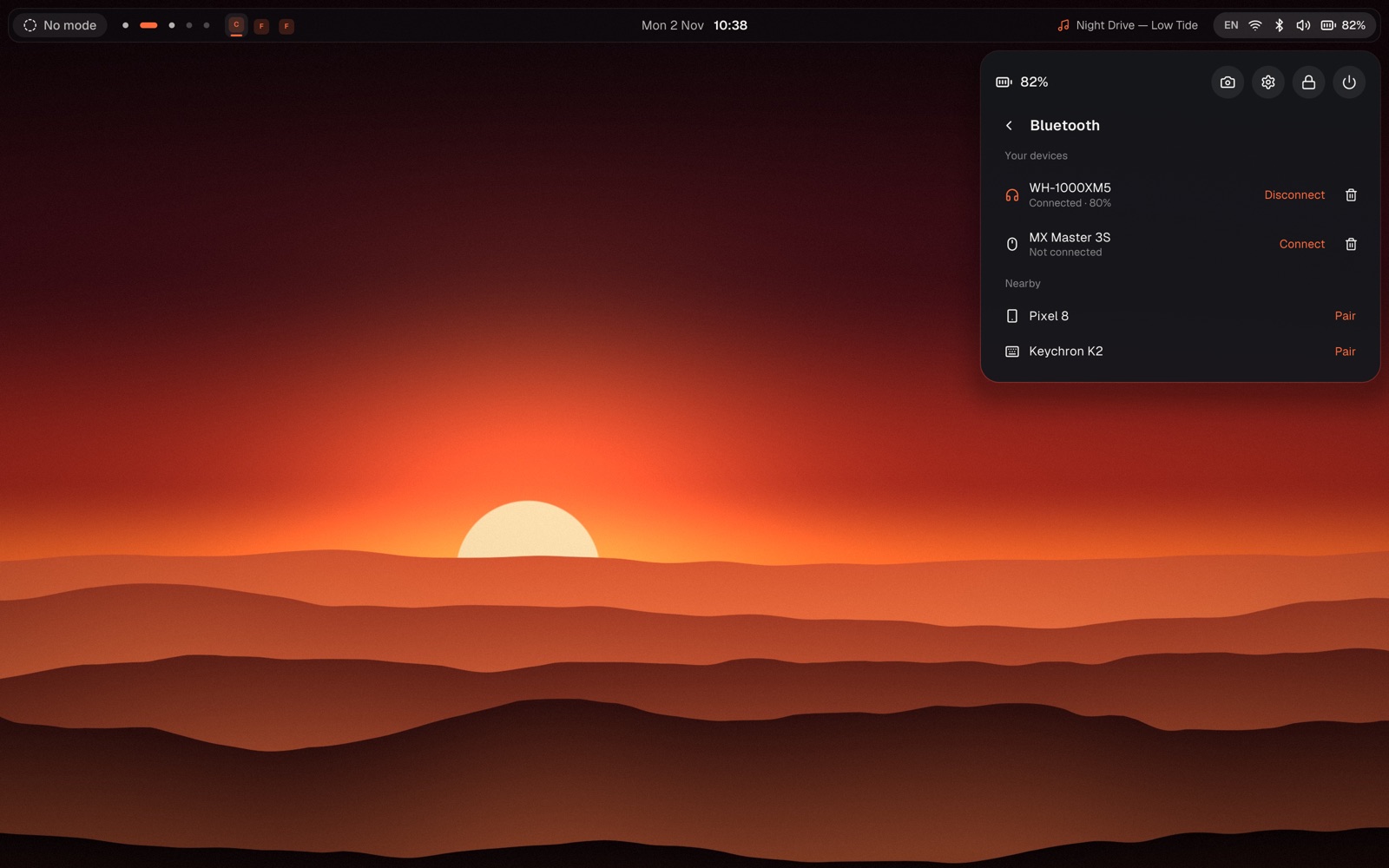
Wi-Fi, Bluetooth with the headphones' battery, VPN, volume per app, brightness, night light, the player.
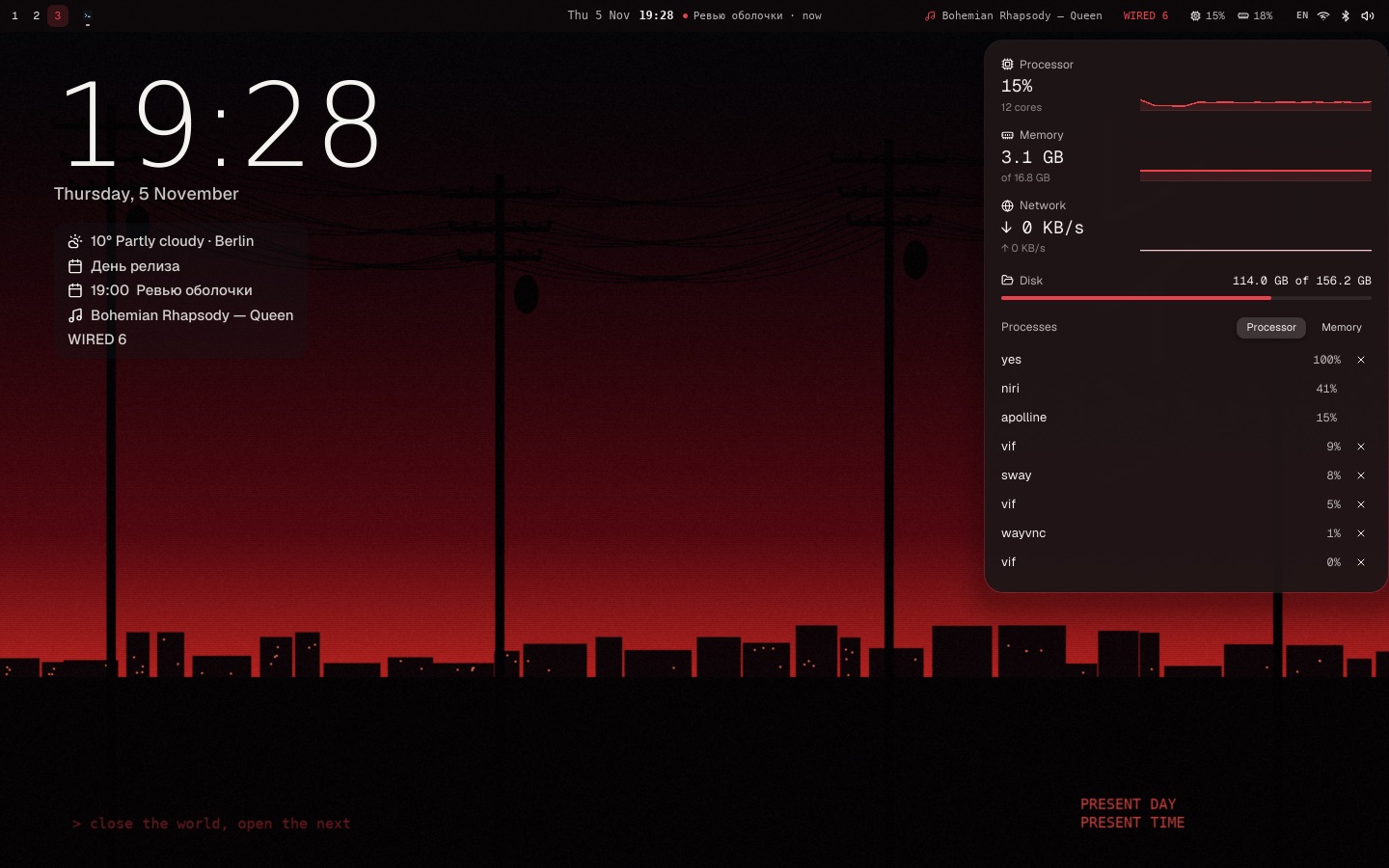
Processor, memory and network as they go, and what's busiest, in the shell's own look.
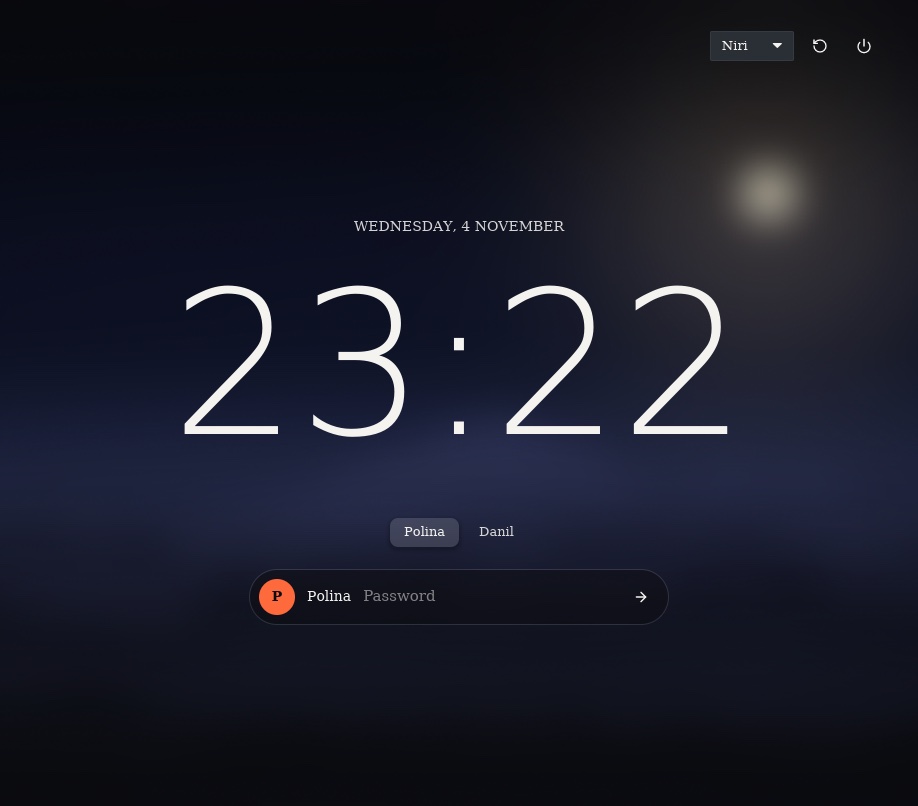
Centered, blurred, your accent and your font. PAM's extra questions are asked right in the field.
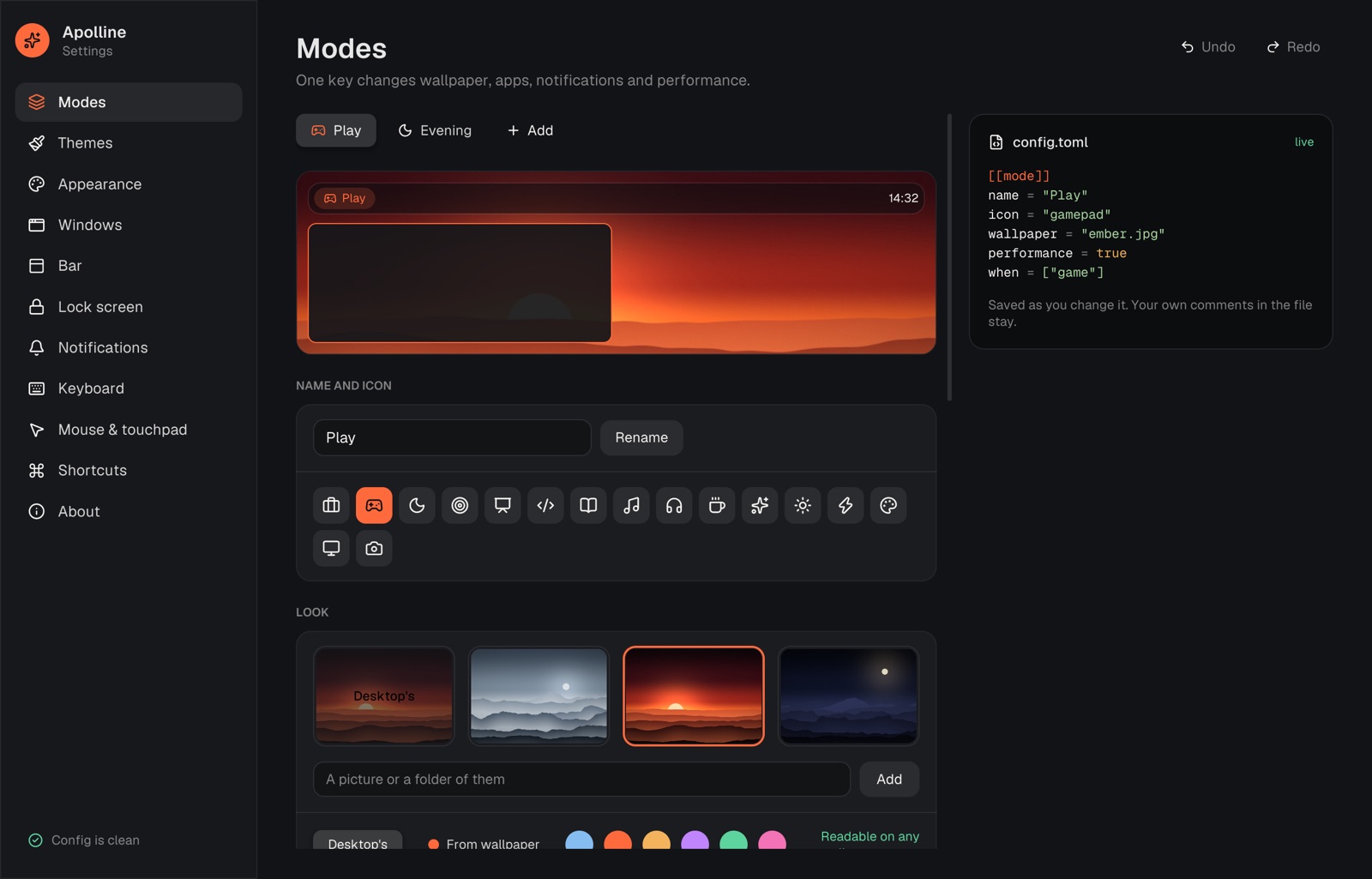
Work, Play, Evening or your own. A mode swaps the wallpaper and accent, holds back notifications, opens its apps, adds shortcuts that exist only while it's on, and turns performance on for games.
It can come on by itself when a game starts, at an hour, on battery or with a monitor, and puts your windows back on their screen, workspace and column.
[[mode]]
name = "Play"
when = ["game"]   # Steam, Proton, Wine

[[mode]]
name = "Evening"
when = ["20:00-07:00", "battery"]
theme = "Night"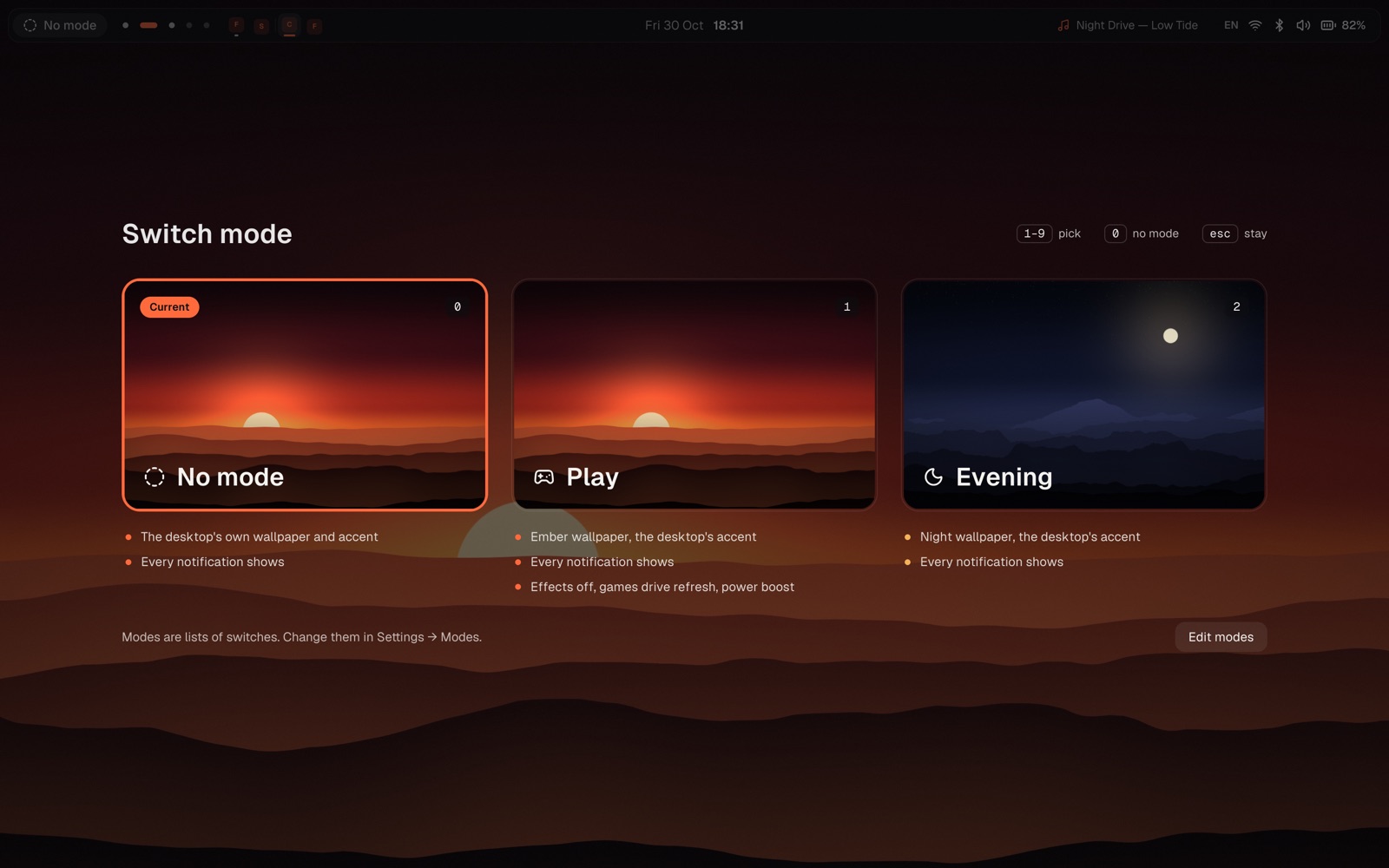
Six come in the box, more wait in the catalog. Try on wears one for sixty seconds: keep it, or it goes back by itself, even if the shell goes down wearing it. A theme can carry a whole rice: the bar's layout, the dock and a Wallpaper Engine scene.
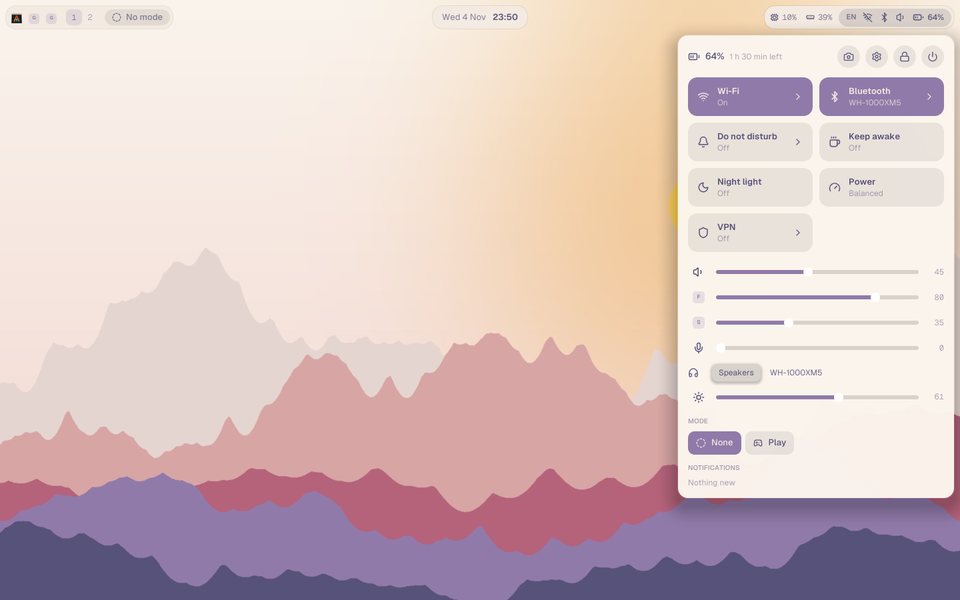 Rosé DawnSoft morning, islands
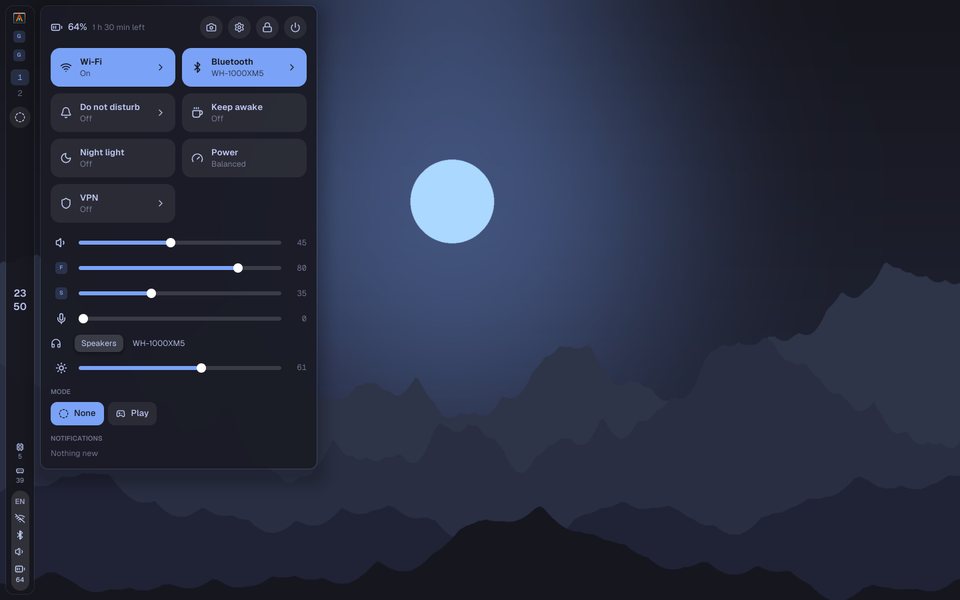 Tokyo NightThe bar down the left
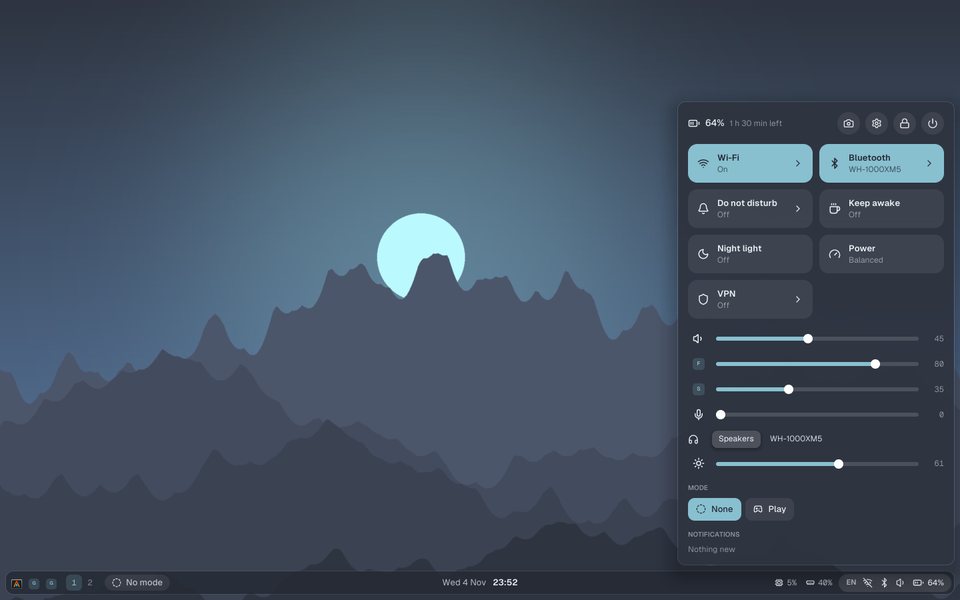 Nord FrostCold and calm, the bar at the bottom
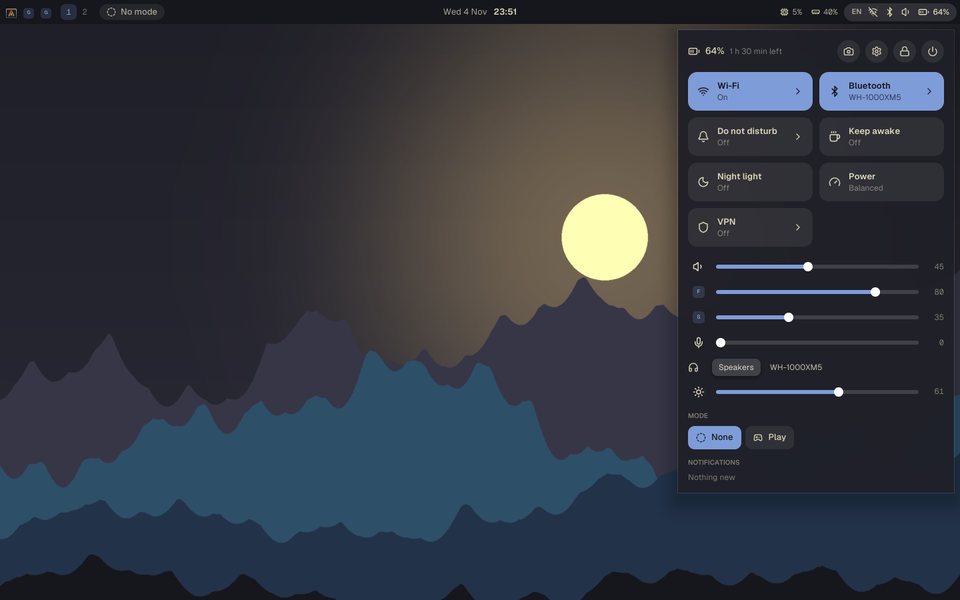 KanagawaInk and old gold, square edges
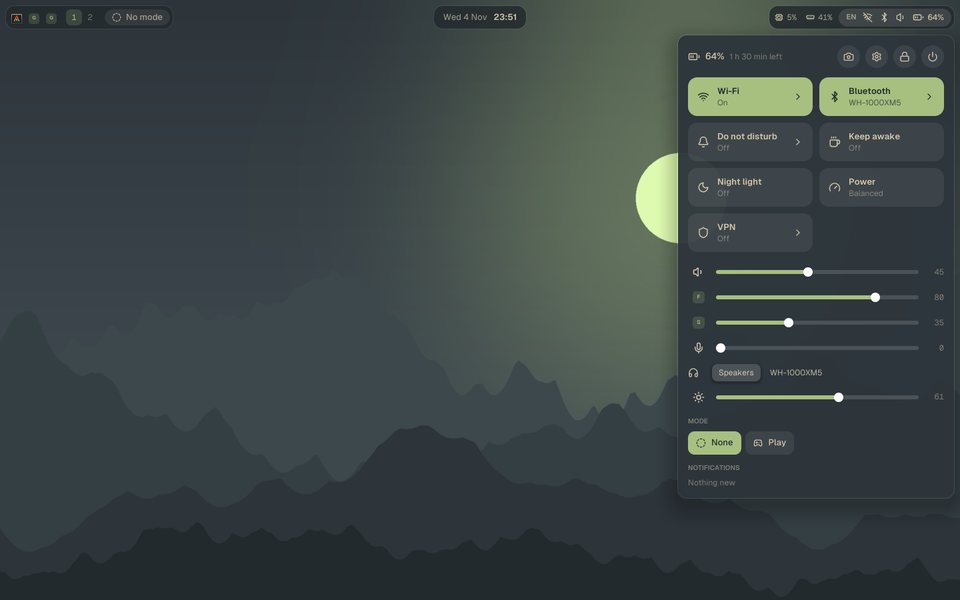 EverforestMoss and fog, islands
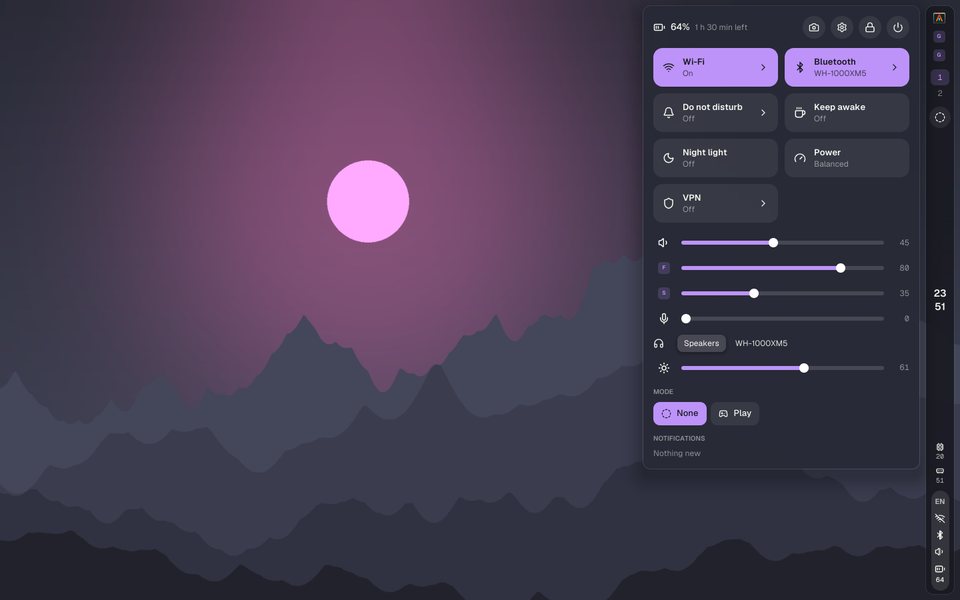 DraculaNeon night, the bar down the right
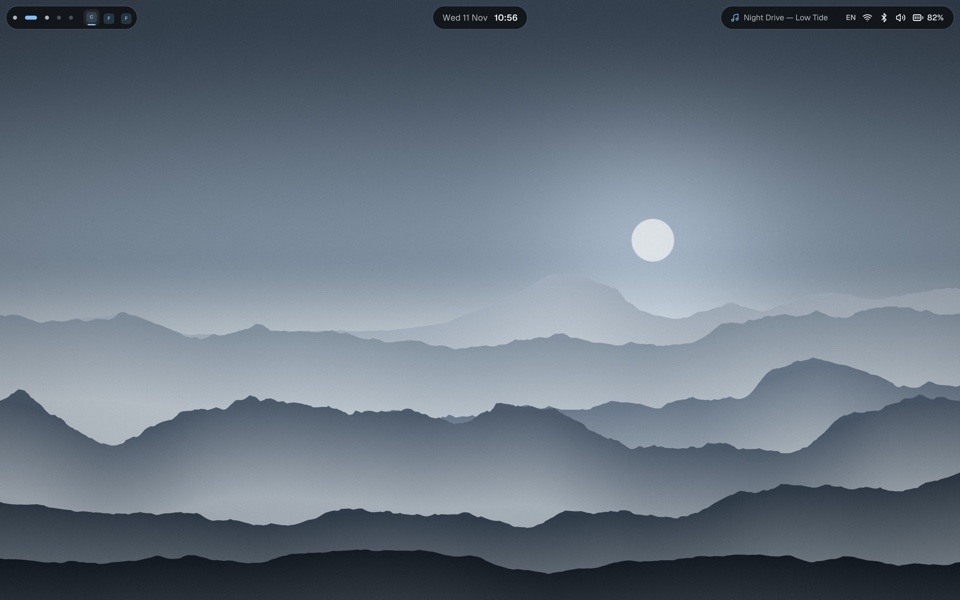 TonalColors from the wallpaper, the bar as islands
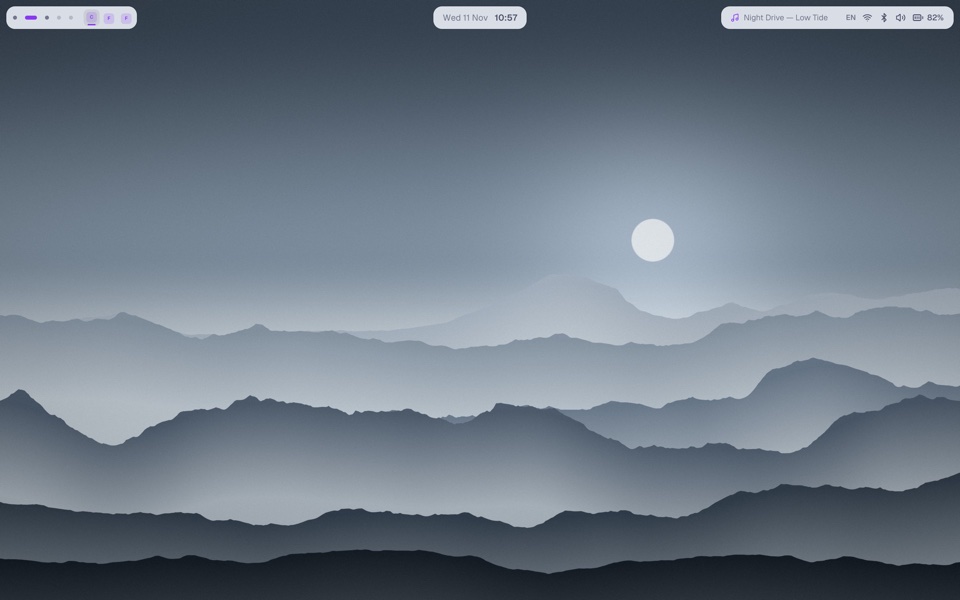 LatteCatppuccin, light
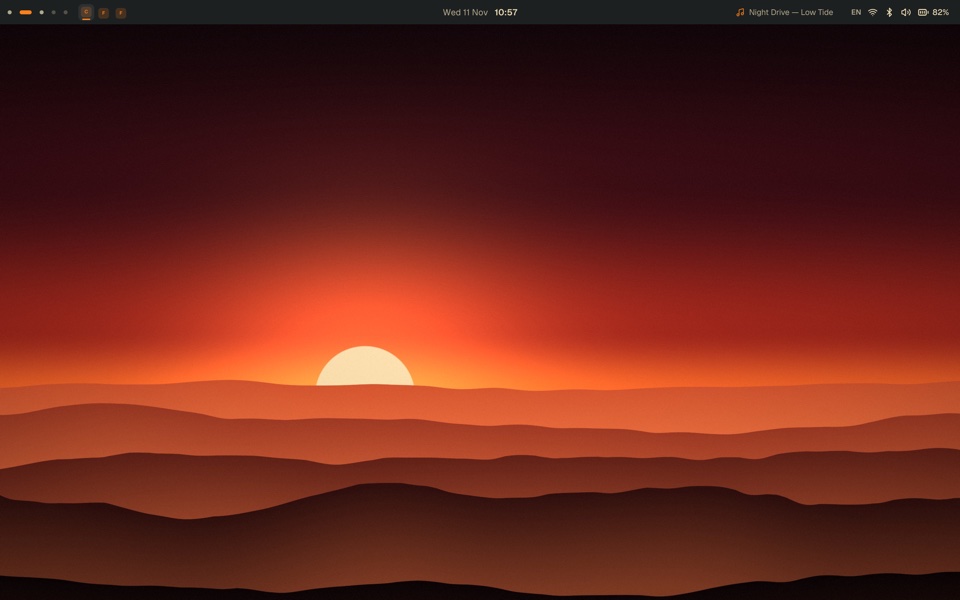 HardlineGruvbox, square and flat
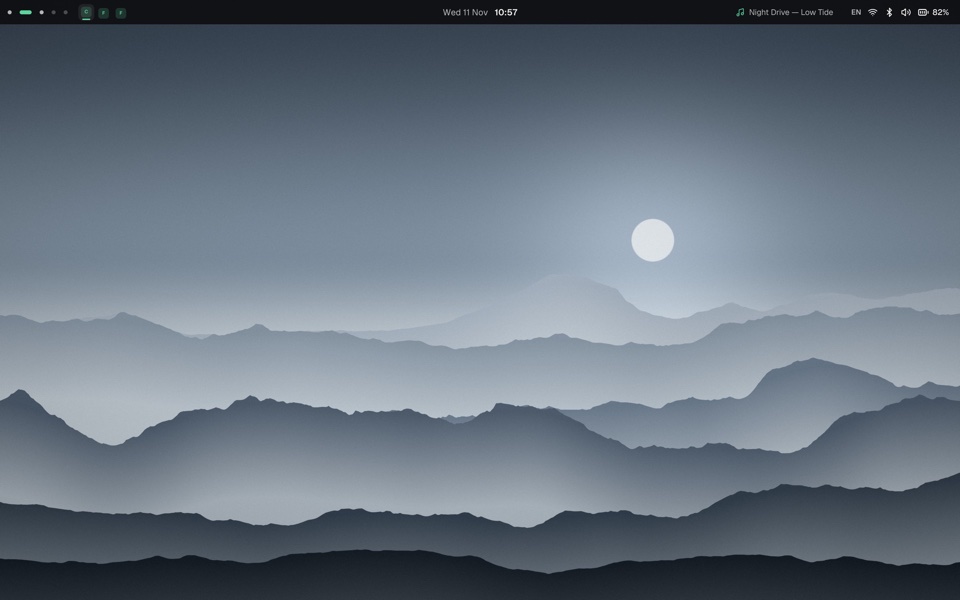 MinimalNothing in the way
It reads hyprland.lua in a sandbox where nothing runs, or hyprland.conf with the files it sources. Binds, screens, window rules, keyboard, touchpad, gaps, corners, the accent and autostart come over, with a note for every line.
What niri has no place for, like split layouts or submaps, is listed with why instead of quietly dropped.
❯ apolline import hyprland --dry-run
Comes over (4)
  hyprland.conf:3    monitor DP-1 → [[display]] at 165 Hz
  hyprland.conf:14   bind SUPER, Q → close-window
  hyprland.conf:40   windowrule → pavucontrol floats
  hyprland.conf:52   exec-once → autostart
Stays behind (1)
  hyprland.conf:21   bind SUPER, J, togglesplit
                     niri has no split layouts

Nothing written: run it without --dry-run to bring this over.
Videos, Shadertoy shaders and Wallpaper Engine scenes from your Steam library, paused while you're locked or playing. Apolline runs them as its child, so decoding never lands inside the shell.
The wallpaper daemon: pictures, videos, shaders and Workshop scenes on every monitor, audio-reactive scenes, folders as playlists. Runs on niri, Hyprland, sway and others.
github.com/Pisosenie/apolline-wallA clean-room renderer for Wallpaper Engine scenes in Rust: textures, materials, particles, effects and SceneScript in a sandbox, into any GL context.
github.com/Pisosenie/apolline-sceneThe terminal Apolline opens: a fast GPU terminal in Rust, commands as blocks, shells that outlive their window and a drop-down quick terminal.
github.com/Pisosenie/vifIt builds and sets up the whole desktop: niri, Apolline, vif, live wallpapers, sound, network, Bluetooth, the login screen, a file manager and fonts. Reboot and log in to niri.
curl -fsSL https://raw.githubusercontent.com/Pisosenie/apolline/main/install.sh | bash
The script is short and worth a read first: install.sh. Already on Arch with niri? Install by hand with makepkg and apolline setup. Other distributions aren't packaged yet, but it builds with stable Rust.
Later on, apolline update brings the new release, and the bar tells you when there is one.
Mod+A and quick settings on Mod+S: Mod+Space is where Linux switches the keyboard layout, so it's left for that. A config still on the old keys as they came moves to the new ones once; keys you chose yourself stay, and Settings → Input changes them.apolline (the launcher, quick settings, the switcher) work after a restart or an update.